
We can use several environments for coding:
(1) Console
A console, also called e.g. command line or Python shell, where we write code directly in.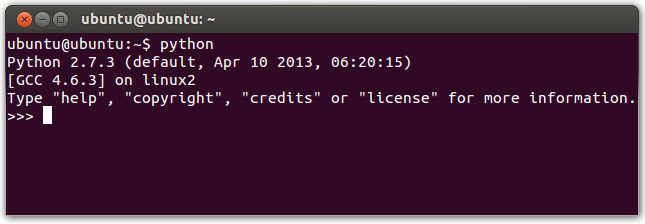
It is used for trying small code pieces, and becomes faster some things:
>>> var = "hello"
>>> var # Instead of print(var)
In other cases, are nedeed run a .py file:
#filename.py
from sys import argv

script = argv[0]
filename = argv[1]

print("Here is %r." % filename)
>>> python3 filename.py prettycats Here is 'prettycats'.
For running the program, we must be in whose folder and later enter the console. But if we are within, we must add the location:
>>> python3 Desktop/filename.py prettycats
Note 1: we run Python though python, python2 or python3. And we maybe must install an addon for doing that. Just try and look for.
Note 2: an important word is prompt, which is the triple greather-than symbol (»>).
Note 3: similar consoles tho he Python console exist, such as bpython and IPython.
Note 4: try the next utilities in a console:
- CTRL + L (clear)
- Arrow up (first run something)
- CTRL + C (stop)
- Exit:
- CTRL + D
- quit()
- exit()
- ls (view the content on a folder)
- cd FolderName (enter folder)
- cd .. (go back)
- cd -- (return to home)
- mkdir FolderName (create a folder)
- touch FileName.something (create a file)
- clear
(2) Text editor
Basic something. I recommend Sublime Text 3, which supports amount of languages, has autocomplete and more utilities too.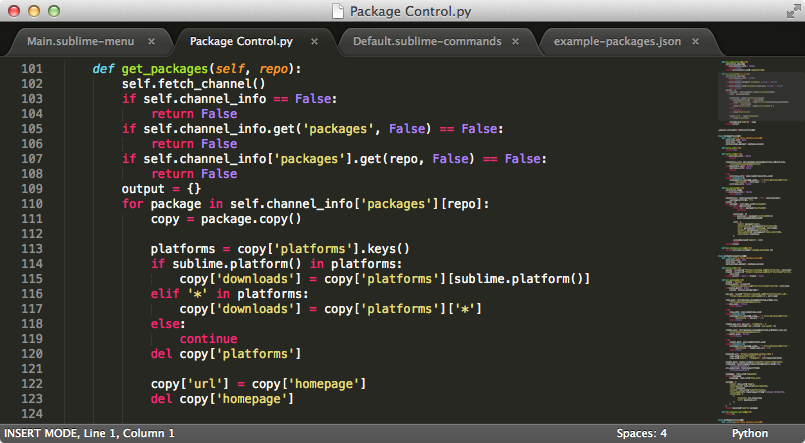
(3) IDE
IDE (Integrated Development Enviromment) is a text editor but with much more functions for programmers. Free and know IDE's are the official IDLE (you maybe must install, maybe not; try and look for) or PyCharm, for example.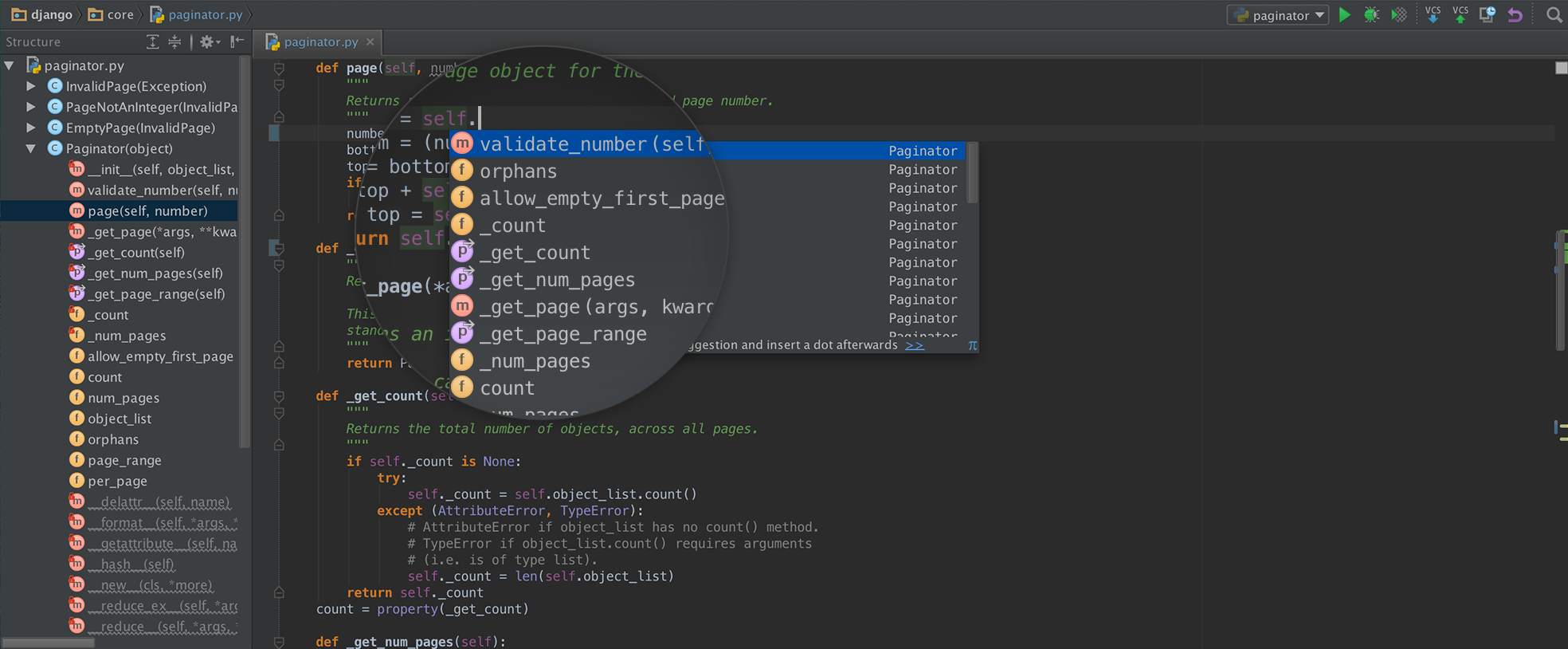
More information:

Comments
Have any questions or got anything to share?
Message me on or